> ## Documentation Index
> Fetch the complete documentation index at: https://docs.ottic.ai/llms.txt
> Use this file to discover all available pages before exploring further.
# Introduction
> Understanding the basics of Ottic
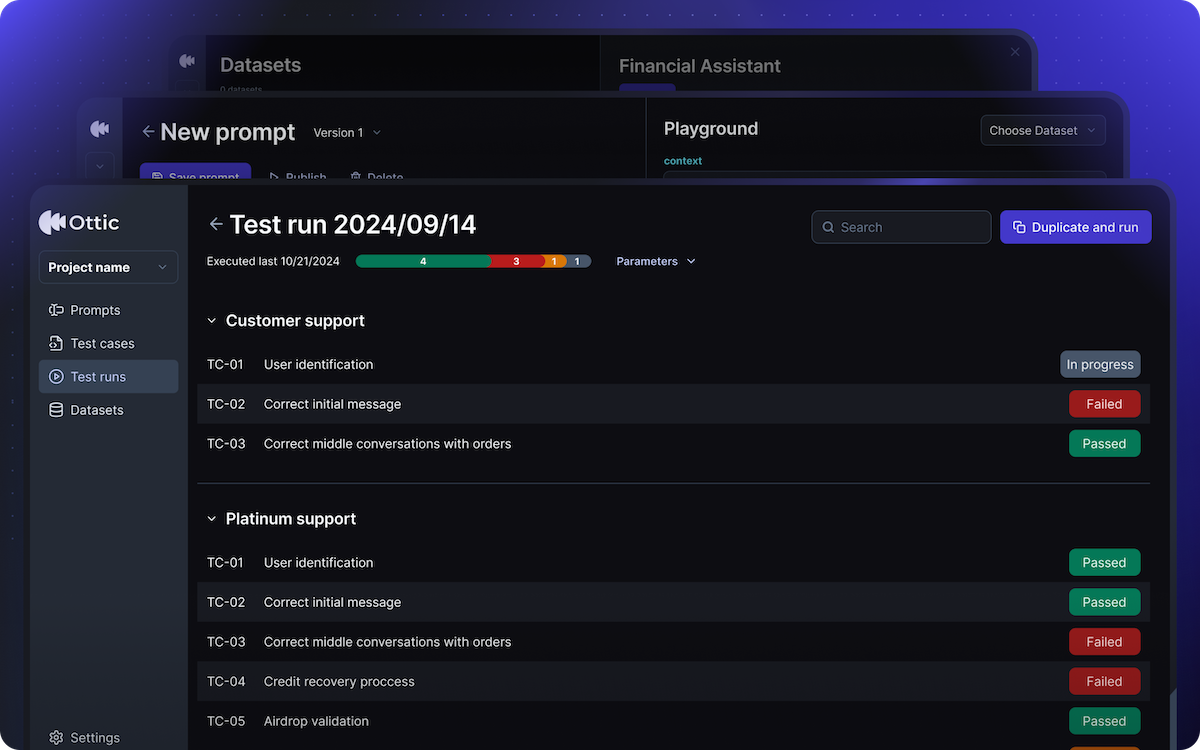
`Ottic` is a QA platform for LLM products that lets you **test and continuously improve** your LLM product.
With Ottic, you can create and manage test cases and prompts, execute test runs and generate informative reports on your LLM product performance.
 ## View interactive demo
Interested in seeing Ottic in action?\
Schedule a call to see how Ottic fits your projects.
* [Schedule a demo with the founders](https://calendly.com/rafael-pinheiro-costa/15min)
Prefer a quick video? Watch this [Introduction to Ottic (1 min)](https://www.youtube.com/watch?v=9vIcwxaolOM\&t=1s)
## User flow
Here’s what the core user flow in Ottic looks like:
Create the initial prompt to begin testing.
Define test cases and specify the expected behavior of your application.
Run tests and review reports on successes and areas needing improvement.
Publish your prompt directly to production from Ottic.
This documentation will guide you through this process in detail.
We provide a white-glove migration of your existing testing pipeline.\
Request your migration [here](mailto:rafael@ottic.ai).
## Essentials
Create, manage and publish prompts versions
Define scenarios to assess your LLM’s responses
Execute tests, analyze results, and identify improvement areas.
Manage datasets to support context (RAG)
## Advanced
Connect with tools you team is using
Sync prompts, test cases and runs with your codebase
## View interactive demo
Interested in seeing Ottic in action?\
Schedule a call to see how Ottic fits your projects.
* [Schedule a demo with the founders](https://calendly.com/rafael-pinheiro-costa/15min)
Prefer a quick video? Watch this [Introduction to Ottic (1 min)](https://www.youtube.com/watch?v=9vIcwxaolOM\&t=1s)
## User flow
Here’s what the core user flow in Ottic looks like:
Create the initial prompt to begin testing.
Define test cases and specify the expected behavior of your application.
Run tests and review reports on successes and areas needing improvement.
Publish your prompt directly to production from Ottic.
This documentation will guide you through this process in detail.
We provide a white-glove migration of your existing testing pipeline.\
Request your migration [here](mailto:rafael@ottic.ai).
## Essentials
Create, manage and publish prompts versions
Define scenarios to assess your LLM’s responses
Execute tests, analyze results, and identify improvement areas.
Manage datasets to support context (RAG)
## Advanced
Connect with tools you team is using
Sync prompts, test cases and runs with your codebase