> ## Documentation Index
> Fetch the complete documentation index at: https://docs.ottic.ai/llms.txt
> Use this file to discover all available pages before exploring further.
# Datasets
> How to bring your data to the prompt
`Datasets` are sets of context you bring to fill in the variables of your prompt.
There are 2 types of datasets
* Key Value:
* JSON:
## Creating a dataset
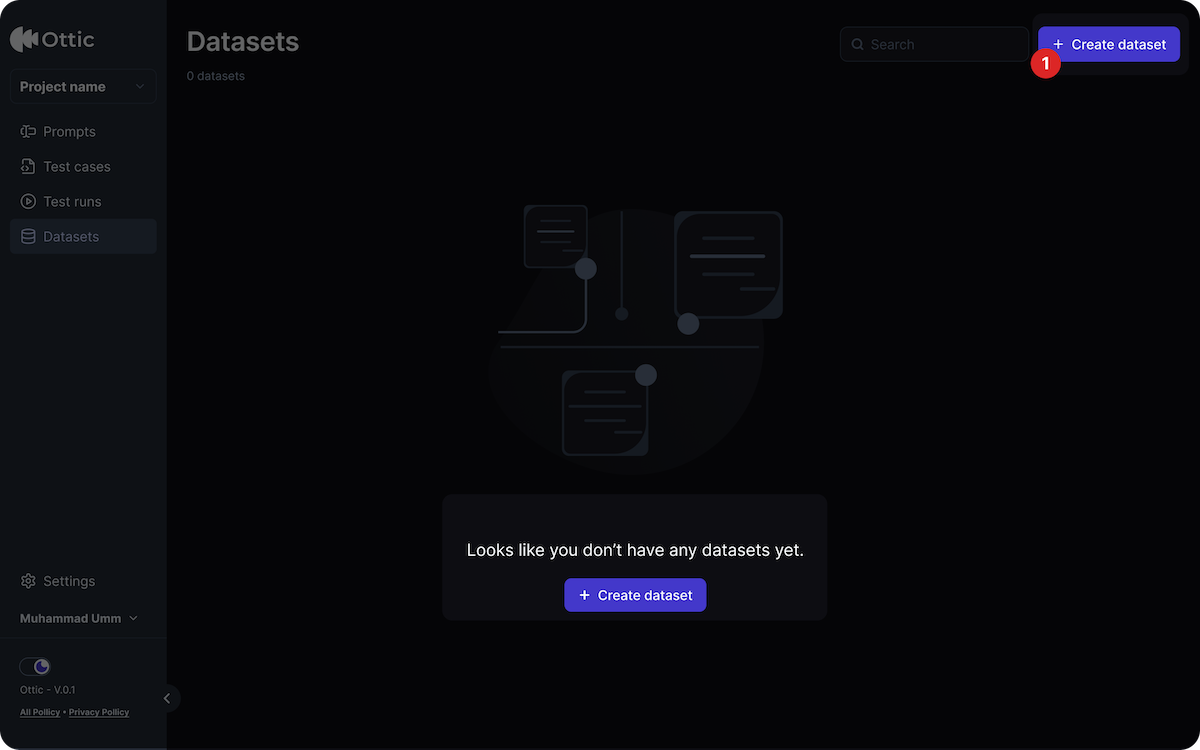
In the Dataset menu,
* Click Create Dataset;
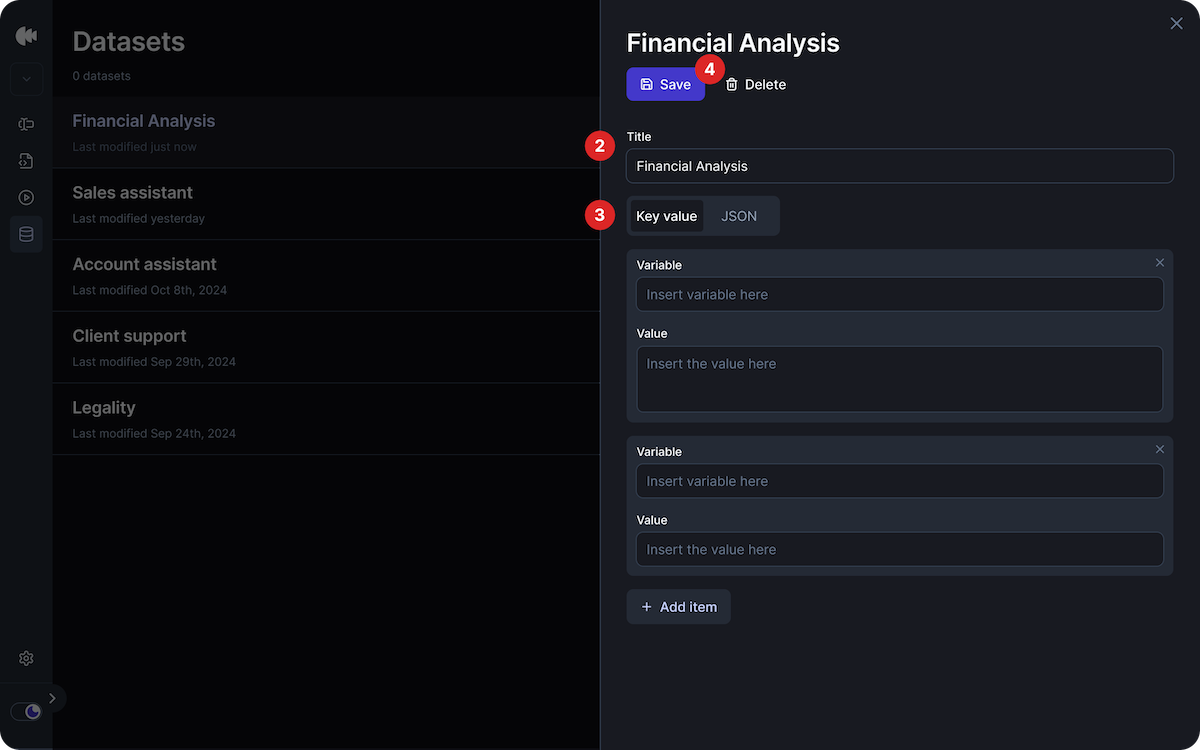
 * Name your dataset;
* Choose a type (Key Value and JSON);
* For Key Value: fill the variable and the value
* Click "add item" for more variables
* For JSON: paste the JSON
* Save the dataset
* Name your dataset;
* Choose a type (Key Value and JSON);
* For Key Value: fill the variable and the value
* Click "add item" for more variables
* For JSON: paste the JSON
* Save the dataset